
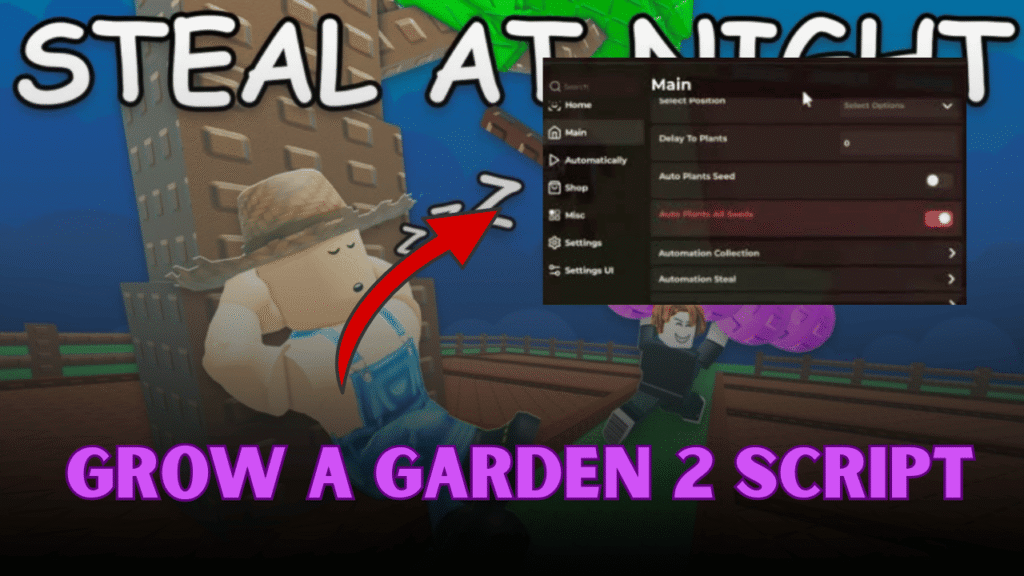
What is Grow a Garden 2?
Grow a Garden 2 is a relaxing Roblox farming simulation game where players build and manage their own garden. The main idea of the game is to plant seeds, grow crops, harvest them, and sell the produce to earn in-game currency. As you progress, you can expand your garden, unlock new seeds, and improve your farming setup. The game focuses on simple farming mechanics and steady progression, making it easy for beginners to enjoy.
Gameplay Overview
In Grow a Garden 2, players start with a small plot of land and a few basic seeds. The early gameplay is focused on planting, waiting for crops to grow, and harvesting them once they are ready. Selling these crops gives you money, which you can use to buy more seeds and expand your farm.
As the game continues, you unlock better crops and faster ways to grow your garden. This creates a smooth loop of planting, harvesting, and upgrading. The more you expand, the more efficient your farming becomes.
| Action | Purpose |
|---|---|
| Plant seeds | Start crop growth |
| Harvest crops | Collect resources |
| Sell crops | Earn currency |
| Buy seeds | Expand farming options |
Main Features
The game offers simple but engaging farming mechanics that keep players active. Each crop has its own growth time and value, encouraging players to plan their farming strategy carefully.
Key mechanics include:
- Planting different types of seeds
- Waiting for crops to grow over time
- Harvesting fully grown plants
- Expanding garden space
- Unlocking better seeds for higher profit
These features make the game relaxing yet rewarding, especially for players who enjoy idle-style progression.
Script Features
This script is designed to automate the farming process in Grow a Garden 2. It helps players save time by handling repetitive tasks like harvesting and selling crops automatically.
| Feature | Benefit |
|---|---|
| Auto Harvest All | Automatically collects all ready crops |
| Auto Sell | Sells harvested items instantly for profit |
| Auto Buy Seeds | Purchases seeds without manual input |
Additional benefits include:
- Faster farming progression
- No need for constant manual clicking
- Smooth and continuous resource farming
How the Script Improves Gameplay
The script makes gameplay much easier by removing repetitive farming actions. Instead of manually harvesting and selling crops, everything happens automatically, allowing players to focus on expanding their garden.
Key improvements include:
- Instant harvesting of all crops
- Automatic income generation through selling
- Faster garden expansion with auto-buying seeds
- Less time spent on manual gameplay tasks
Tips for Faster Progress
- Always upgrade your garden space when possible
- Focus on high-value crops for better profit
- Reinvest earnings into better seeds
- Expand early to increase farming efficiency
- Keep your garden active with continuous planting
Why This Game is Popular
Grow a Garden 2 is popular because it offers a calm and satisfying farming experience. Players enjoy the simple loop of planting, growing, and upgrading without stress or complex mechanics.
Reasons players enjoy it:
- Easy and beginner-friendly gameplay
- Relaxing farming progression
- Constant upgrades and expansion
- Idle-style earning system
Grow a Garden 2 Script
loadstring(game:HttpGet("https://rblxscripts.net/raw/grow-a-garden-2-op-autofarm-script-auto-buy-seeds-auto-sell-6871a226"))()Conclusion
Grow a Garden 2 provides a simple and relaxing farming experience where players can steadily grow their garden and earn rewards. With its easy mechanics and upgrade system, it keeps progression smooth and enjoyable. The script enhances this experience by automating harvesting, selling, and buying, making farming faster and more efficient.